
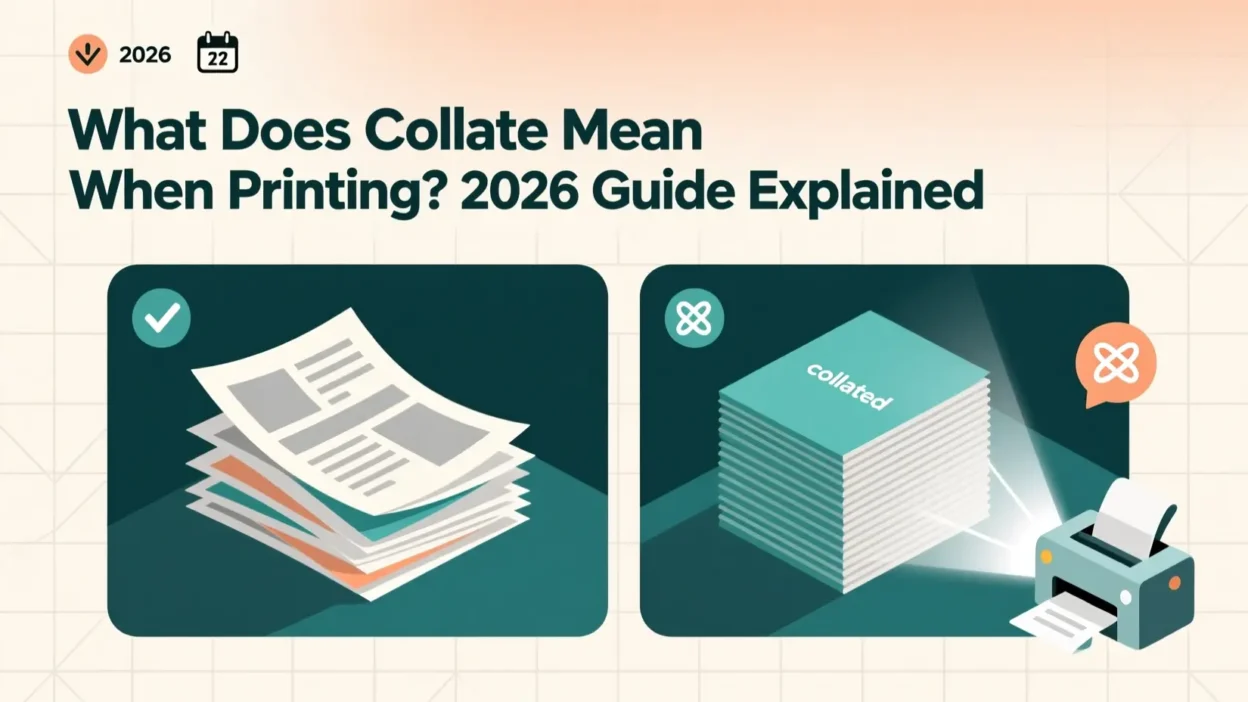
You’ve probably seen the word “Collate” pop up on a printer screen or when hitting Ctrl + P—and for a second, you wondered, “Wait… should I click this or not?”
You’re not alone. The first time I saw it, I assumed it was some complicated technical command that might break the printer if I pressed the wrong button. 🙈
But don’t worry—“collate” is much simpler than it sounds, and once you understand it, you’ll never be confused by that little checkbox again.
Quick Answer:
Collate means “to print multi-page documents in the correct order.”
It’s a practical, everyday printing setting that keeps your pages neatly arranged.
What Does Collate Mean When Printing?
When you collate a document, you’re telling the printer to print complete sets in order.
Example:
If your document has 3 pages and you need 5 copies, then:
- Collated:
Page 1 → Page 2 → Page 3 (Set 1)
Page 1 → Page 2 → Page 3 (Set 2)… and so on. - Uncollated:
Page 1 (x5), then Page 2 (x5), then Page 3 (x5)
Simple Example:
“You will get neat, complete packets when you print collated versions.”
In short: Collate = Print in order = Organized, complete sets.
Where Is “Collate” Commonly Used?
You’ll often see Collate in places where multi-page printing happens, such as:
- 🖨️ Home printers
- 🏢 Office printers & copiers
- 🏫 School/college print labs
- 📚 Business reports & presentations
- 📝 Assignments, invoices, and multi-page forms
Formality Level:
- ✔️ Practical, neutral, and formal
- ✔️ Used in work, academic, and office settings
- ✖️ Not slang or social-media language
Examples of “Collate” in Conversation
Here are realistic chat-style examples showing how people use or refer to collated printing:
A: can you print the report for me?
B: sure, do you want it collated?
A: the printer gave me 20 copies but they’re all mixed 😩
B: that’s because they weren’t collated.
A: should i check the collate box? 🤔
B: yes if the doc has multiple pages.
A: the pages are in order now
B: yup, that’s what collate does 👍
A: want collated or uncollated copies for the meeting?
B: collated please, easier to hand out.
When to Use and When Not to Use “Collate”
✅ When to Use Collate
- When printing multi-page documents
- When you need multiple complete sets
- For office meetings, school assignments, reports
- When distributing handouts or presentations
- Anytime you want organized, ready-to-use packets
❌ When Not to Use Collate
- When printing a single page
- When printing one copy only
- When you want to sort or arrange pages manually
- When printing in a rush and only need separate stacks
Comparison Table
| Context | Example Phrase | Why It Works |
|---|---|---|
| Friend/Colleague Chat | “Want these collated or separate?” | Clear & casual |
| Work Chat | “Make sure the reports are collated.” | Professional & direct |
| “Please print 5 collated copies of the document.” | Formal & organized |
Similar Words or Alternatives
| Term | Meaning | When to Use |
|---|---|---|
| Sort | Arrange items in a specific order | When organizing manually |
| Bind | Attach pages together | For final presentations |
| Staple | Fasten pages with a staple | For small packets |
| Copy Sets | Groups of printed documents | When specifying number of sets |
| Duplex | Print on both sides of paper | When saving paper |
FAQs:
1. Is collating the same as stapling?
No. Collating arranges pages in order; stapling physically attaches them.
2. Do I need to collate single-page documents?
No. It makes no difference for one-page files.
3. Why are my prints uncollated even though I checked the box?
Your printer might not support collating, or the setting may be overridden by the printer’s default preferences.
4. Does collate save time?
Yes — especially when printing many sets. It saves manual sorting.
5. What’s the opposite of collated?
Uncollated — prints all copies of each page together instead of arranged sets.