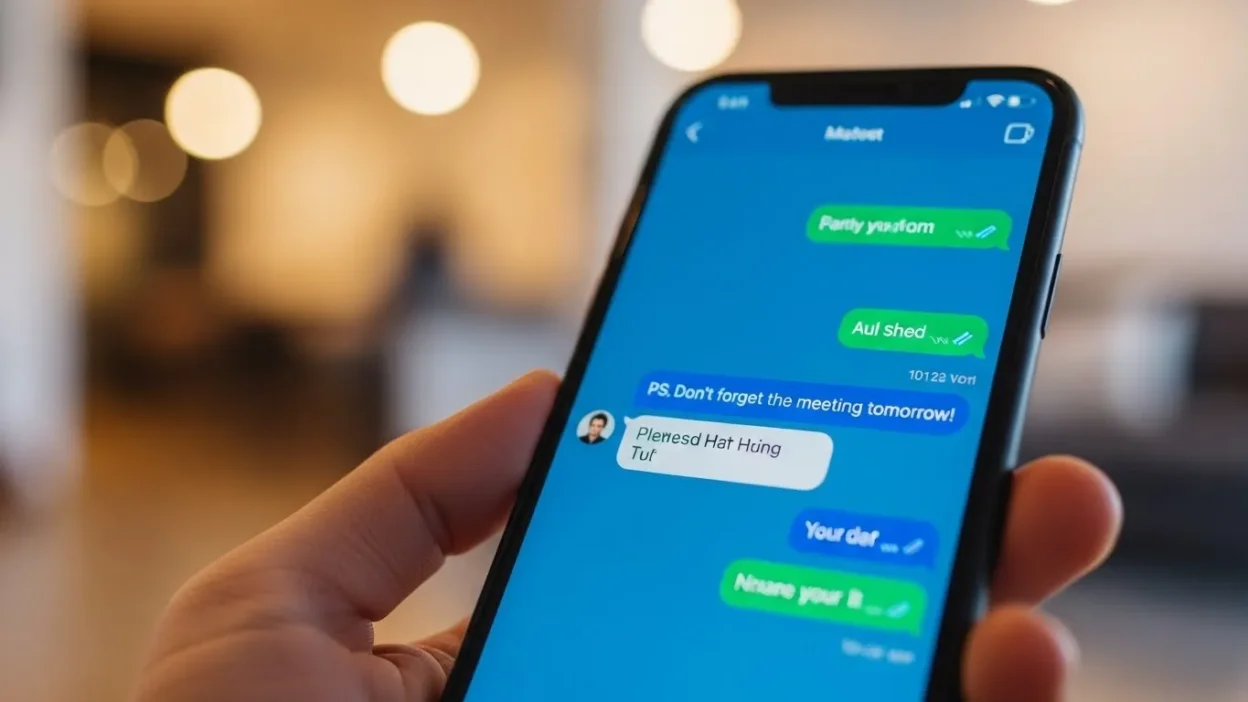
Have you ever been texting a friend, seen “PS” at the end of their message, and wondered what it actually meant?
I remember the first time I got a message that ended with “PS: Don’t forget the cookies 🍪,” and I was like, “Wait… PS? Is that some secret code?” 😅
Quick Answer: PS means “Postscript.”
It’s a casual and friendly way to add an extra thought after a message has already been written. Essentially, it’s like saying, “Oh, by the way…” at the end of your text.
What Does PS Mean in Text? 🧠
The full form of PS is Postscript, which comes from the Latin term post scriptum, meaning “written after.” It’s commonly used to add an extra note or thought after the main body of a message, email, or letter.
Example:
“I had a great time at the party! PS: Your cake was amazing 😋”
In short: PS = Postscript = an extra note or thought added after the main message.
Where Is PS Commonly Used? 📱
PS is popular in many texting and online contexts:
- 💌 Emails To add a friendly reminder or note after signing off
- 💬 Text messages For casual, playful, or friendly add-ons
- 📱 Social media DMs To sneak in a side comment or extra info
- 📝 Letters & notes Classic use in personal letters
Tone: Mostly casual, friendly, or playful. Rarely formal in professional emails unless used thoughtfully.
Examples of PS in Conversation 💬
Here are some realistic chat examples:
Example 1:
A: Can’t wait to see you tomorrow!
B: Same! PS: Bring snacks 😋
Example 2:
A: I finished the project today.
B: Awesome! PS: Don’t forget to submit the file 📁
Example 3:
A: Happy Birthday! Hope you have a great day 🎉
B: Thanks! PS: Save me a slice of cake 🍰
Example 4:
A: I’ll be a bit late for dinner.
B: No worries. PS: Your seat is saved 👍
Example 5:
A: Got your message.
B: Cool. PS: Call me later if you can 📞
Example 6:
A: Just watched the movie.
B: What did you think? PS: No spoilers 😅
Example 7:
A: Thanks for your help today.
B: Anytime! PS: Don’t forget to rest 🛌
When to Use and When Not to Use PS 🕓
✅ When to Use:
- Adding extra info after a main message
- Sending casual, friendly reminders
- Texting friends, family, or close colleagues
- Adding a playful comment at the end
❌ When Not to Use:
- Formal business emails where clarity is key
- Urgent or time-sensitive communication
- Serious or professional discussions
Comparison Table:
| Context | Example Phrase | Why It Works |
| Friend Chat | “No rush, PS: Don’t forget the game tonight 😄” | Casual & friendly |
| Work Chat | “The report is ready. PS: Please review the summary section.” | Polite & professional |
| “Thank you for your time. PS: Let me know if you need more info.” | Formal & clear, adds subtle extra note |
Similar Slang Words or Alternatives 🔄
| Slang | Meaning | When to Use |
| BTW | By the way | Adding extra info casually |
| FYI | For your information | Informative, slightly formal |
| NM | Not much | Casual chat response |
| ICYMI | In case you missed it | Social media or group chats |
| LOL | Laughing out loud | Casual or humorous tone |
FAQs:
Q1: Is PS only used in text messages?
A: No! PS can be used in letters, emails, and social media posts too. It’s just a way to add something extra.
Q2: Can PS be used in professional emails?
A: Yes, but sparingly. Use it for friendly reminders or additional notes without overdoing it.
Q3: Does PS have a tone?
A: Mostly casual and friendly. It can also be playful or flirty depending on context.
Q4: Can I use multiple PS notes in one message?
A: Absolutely! You can use PS, PPS, PPPS to add more points, though it’s usually best to keep it simple.
Q5: Is PS outdated?
A: Not at all! While it started with letters, PS is still widely used in texting, emails, and social media.
Conclusion
PS is a simple yet versatile way to add extra thoughts or friendly reminders after the main part of your message.
Whether you’re texting a friend, sending a playful DM, or adding a note in an email, using PS can make your messages feel warmer and more personal.
Remember, it’s casual, fun, and perfect for those “oh, by the way” moments.
So next time you see PS, you’ll know exactly what it means and how to use it like a pro!